TLDR
AI and OCR technologies are revolutionizing UI testing by enabling testing tools to visually "see" and interact with user interfaces, similar to humans. This approach results in more robust, maintainable, and scalable automation, especially beneficial for testing complex and dynamic UIs where traditional methods relying on brittle static locators often fail.
Introduction
In the fast-paced world of digital interfaces, traditional test automation tools often struggle to keep up. Static locators, fragile scripts, and inconsistent rendering across various devices can make UI testing a difficult area of quality assurance. However, AI and OCR (Optical Character Recognition) are changing how QA teams approach test automation, leading to smarter, more resilient, and human-like UI testing workflows.
The Foundation of Stability
The Limitations of Traditional UI Testing
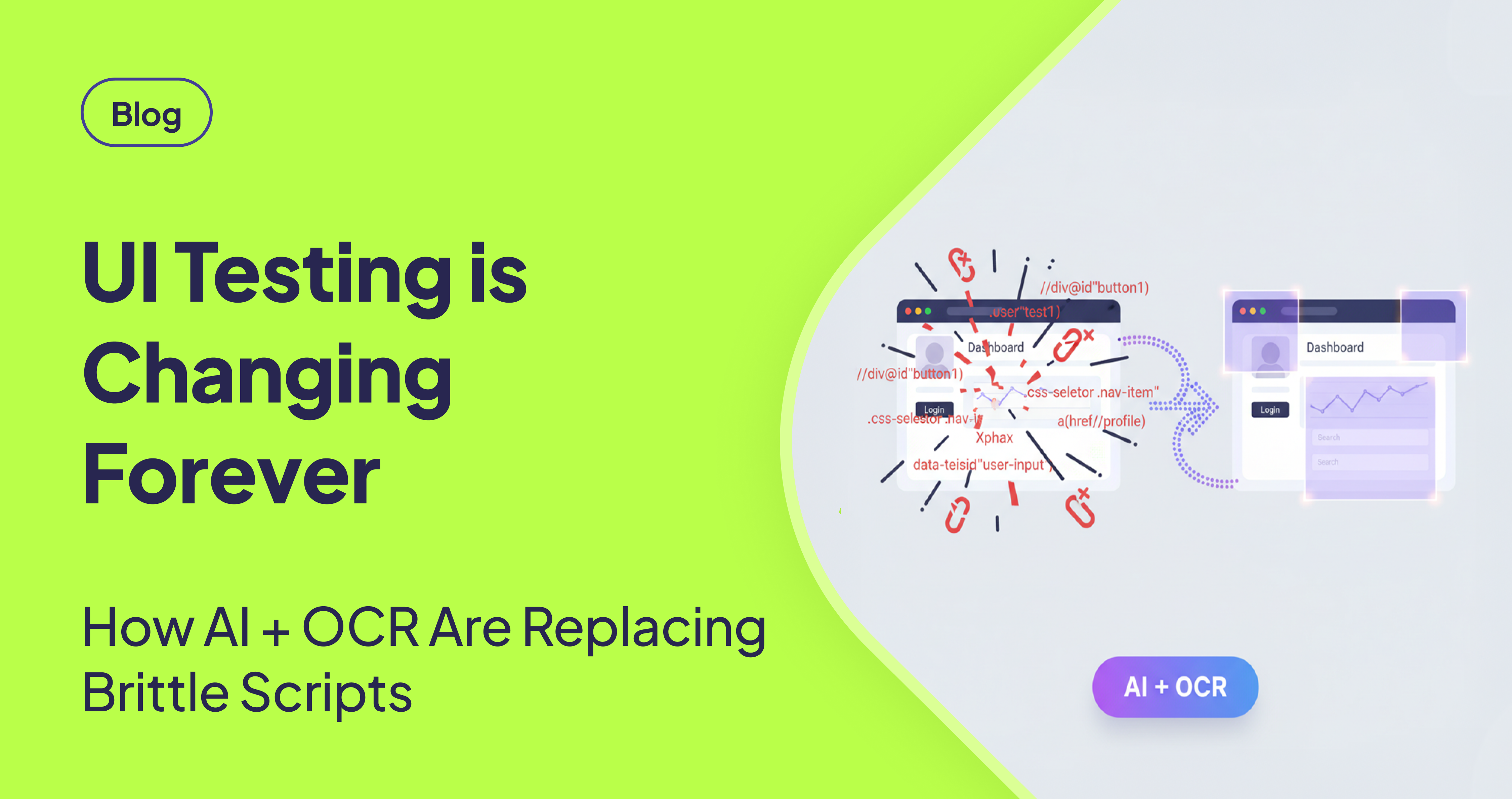
Traditional UI testing methods often fall short due to their reliance on static selectors like XPath or CSS locators. These selectors are prone to breakage when:
- Developers modify front-end frameworks.
- Design systems undergo changes.
- Elements are hidden, dynamic, or rendered differently across devices.
[STAT: Studies show that maintaining brittle test scripts can consume up to 40% of a QA engineer's time.] This results in brittle tests, flaky builds, and increased frustration for QA engineers. The shift towards AI and OCR in testing allows for a transition from targeting code to interpreting interfaces in a manner similar to human users.
Building Resilient Workflows
The Power of AI and OCR in UI Testing
AI in Testing: Intelligent Automation
AI-powered test tools offer a more intelligent approach to automation. They can understand patterns, mimic user behavior, and even self-heal broken tests by adapting to UI changes. [STAT: AI-powered testing can reduce test maintenance efforts by up to 30%.] This reduces maintenance overhead and allows teams to concentrate on test coverage and business logic.
OCR Automation: Visual Interface Interpretation
OCR empowers automation tools to "see" and interact with interfaces visually, rather than relying solely on the underlying code structure. This is particularly advantageous when dealing with:
- Non-standard UIs such as canvas-based elements, PDFs, or dashboards.
- Remote desktops or legacy applications.
- Multi-language interfaces.
[STAT: OCR-based testing tools can improve test accuracy by up to 25% in environments with dynamic content.] By combining OCR with AI, tools like AskUI enable testers to interact with the screen as a user would, utilizing visible text and visual cues instead of brittle code hooks.
Advanced Techniques
Real-World Application: Canvas & Dynamic UI Testing
A compelling example of this innovation is how AskUI assisted Zucchetti, a major European software provider, in automating the testing of their complex .NET canvas applications. [STAT: Traditional UI testing tools fail in approximately 60% of cases when dealing with canvas-based applications.]
Leveraging OCR and AI, AskUI was able to:
- Identify and validate visual elements drawn in a canvas.
- Automate user-like interactions on dynamic interfaces.
- Handle custom-rendered UI components without manual intervention.
The outcome was faster release cycles, fewer regressions, and a more scalable QA process.
Identifying the Need for AI and OCR in UI Testing
Consider upgrading your toolset if you encounter any of the following challenges:
- UIs that frequently break tests with each release.
- A significant maintenance burden on test scripts.
- Custom-built or canvas-rendered components.
- Applications running in remote or non-HTML environments.
- Localization or multi-language UIs.
The AskUI approach is particularly effective when visibility and human-like interaction are critical.
Conclusion
As applications become increasingly visual, interactive, and personalized, automation must adapt accordingly. AI and OCR offer a fundamentally new and more resilient approach, aligning closely with how real users interact with software. For those seeking a smarter alternative to the endless cycle of fixing broken selectors and patching scripts, exploring AI and OCR-powered solutions is essential.
FAQ
How does AI reduce test maintenance?
AI-powered tools can understand UI changes and adapt test scripts accordingly, often "self-healing" broken tests by identifying elements based on visual patterns and context rather than brittle static locators. This reduces the manual effort required to update tests after UI modifications.
In what scenarios is OCR-based testing most beneficial?
OCR-based testing shines in scenarios where UIs are dynamic, non-standard (like canvas elements or PDFs), or running in remote environments. It allows the test automation tool to "see" and interact with the interface like a user, rather than relying on the underlying code structure.
What are the key benefits of using AI and OCR together in UI testing?
Combining AI and OCR results in more resilient, maintainable, and accurate UI testing. AI provides intelligent automation and self-healing capabilities, while OCR enables visual interaction with the UI. This combination is especially powerful for complex, dynamic UIs where traditional methods struggle.
Can AI and OCR testing handle multi-language interfaces?
Yes, OCR can recognize text in various languages, allowing AI-powered testing tools to interact with and validate multi-language user interfaces effectively. This is a significant advantage over traditional methods that rely on language-specific locators.
Is it difficult to switch from traditional UI testing to AI and OCR based testing?
The transition process and difficulty can vary depending on the complexity of your existing test suite and the specific AI/OCR tool you choose. Newer tools are generally designed to be user-friendly and integrate with existing workflows. Consider starting with a pilot project to evaluate the tool's effectiveness and ease of integration before a full-scale adoption.